Liquid spill on your laptop?
Switch it off, unplug it and don't try to turn it back on. The sooner it's opened up and cleaned, the better the chance of saving the laptop and your files.
- Checked before any work starts
- Walk in any day, 10am to 8pm
- Pay in store
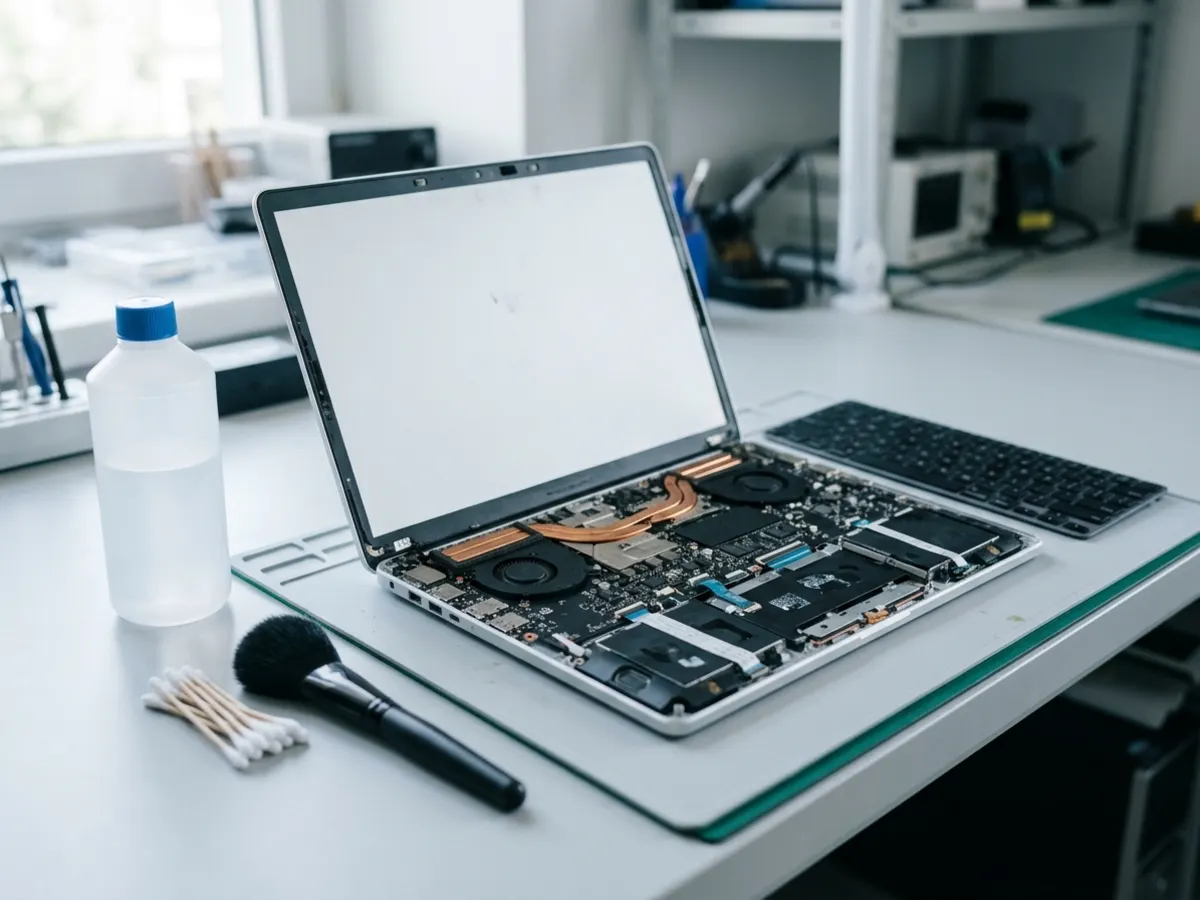

What we do after a spill
Not sure which it is? Tell us what it's doing and we'll work it out.
Opened up and cleaned
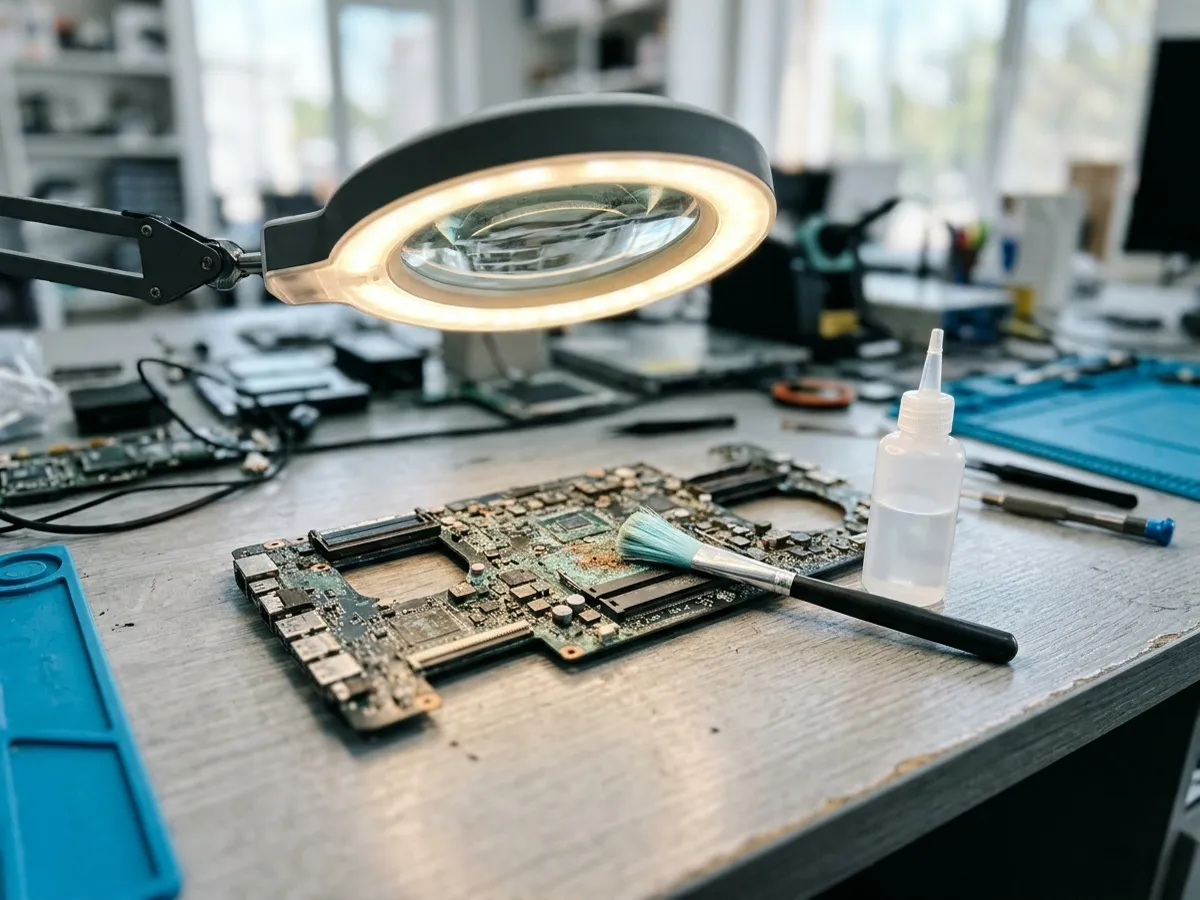
Liquid and residue cleaned off the board before it corrodes.
Won't turn on after a spill
We trace what the liquid has damaged and tell you the options.
Sticky or dead keys
Keyboards cleaned or replaced after tea, coffee, wine or water.
Board checks
Power and charging circuits tested after it's dried and cleaned.
Files first
If the laptop can't be saved, we try to get your files off.
MacBooks too
MacBook Air and MacBook Pro spills.
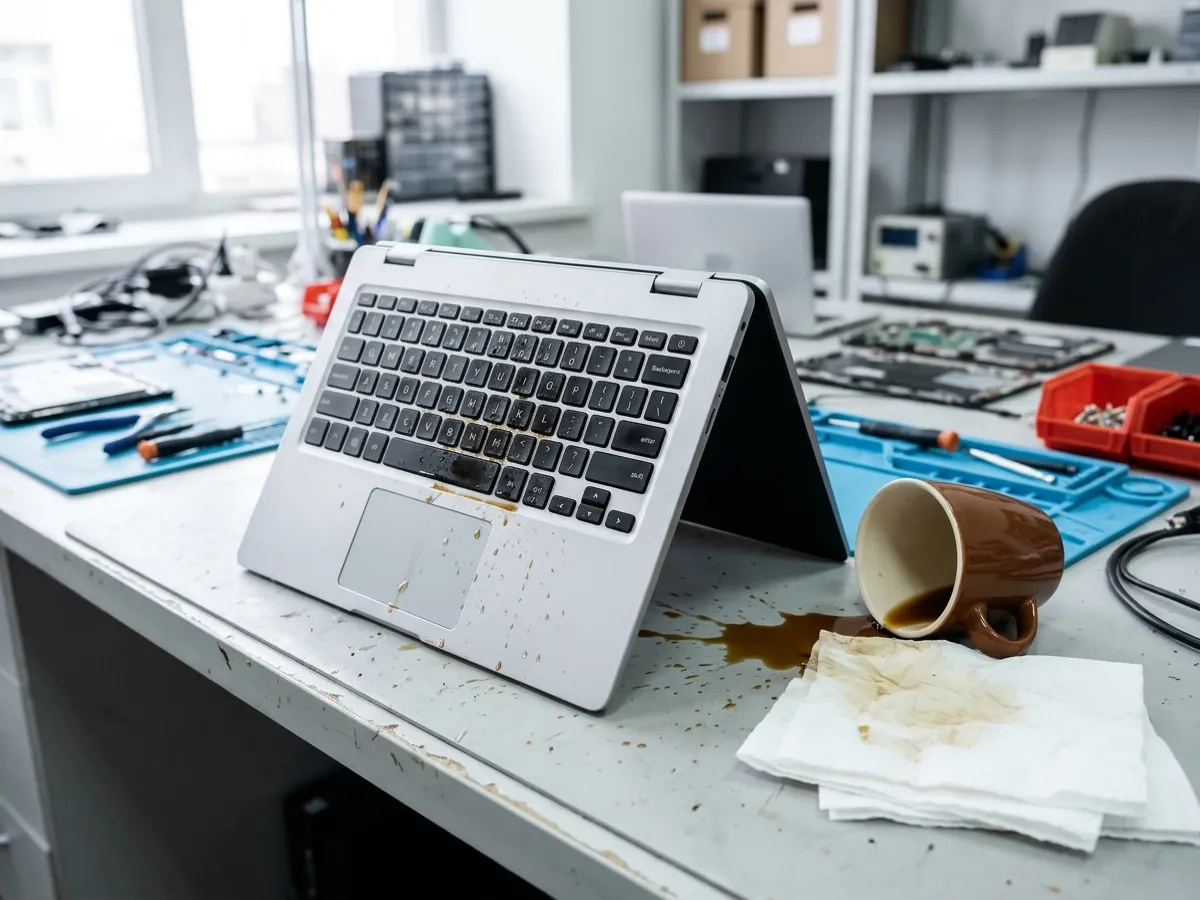
Spills on
How it works
Three steps, and nothing to pay until you collect.
Book or walk in
Send the short form, or just come in any day, 10am to 8pm.
We check it first
We tell you what it needs. Nothing starts until you say yes.
Collect and pay
We text you when it's ready. Pay in store when you pick it up.

Questions
Can't see yours? Call 020 7419 0587.
What should I do right now?
Switch it off, unplug the charger, turn it upside down to drain and bring it in. Don't try to turn it on to check.
Should I put it in rice?
No. Rice doesn't clean off the sugar and minerals left behind, and those cause the corrosion. It needs opening up.
Can you save my files?
Often, yes, even when the laptop itself can't be saved. We tell you what's possible after the check.
How do I pay?
In store, when you collect. There's nothing to pay online.
 Walk-ins welcome
Bring it in today
Walk in any day, 10am to 8pm, at Ground Floor, 56 Tavistock Place. Or book online in a minute.